 panda
pandaYour first exchange account: registration to records
Work through the four checks below, then use the related tools or contact support if an account-specific question remains.
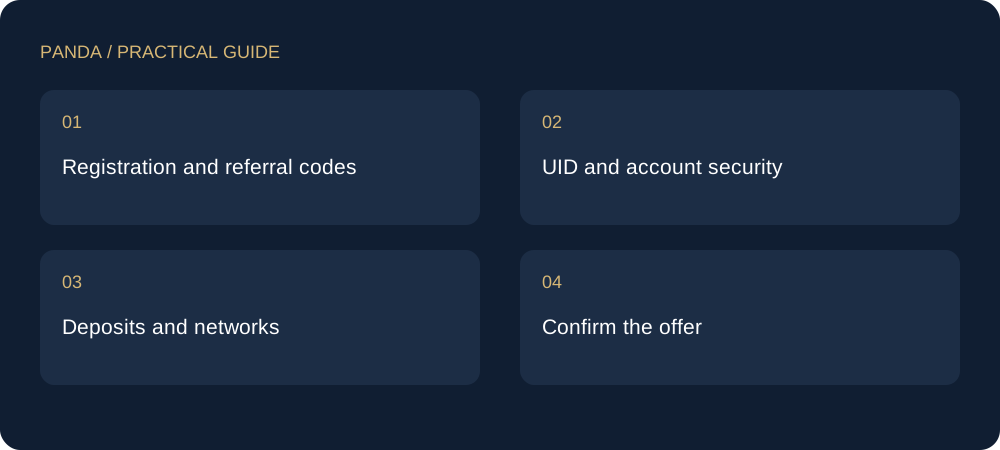
Registration and referral codes
Use the exchange entry shown on Panda and verify its domain before signing up. OKX new-user code AAAFFF and existing-account rebind code FFF222 belong to different routes. On iPhone, register through the link before installing the app.
UID and account security
Find your UID in your profile or account information. It identifies an account and is not a password. Set up supported login protection and keep recovery channels under your own control. Support does not need your verification codes.
Deposits and networks
Choose the receiving asset and network, then match them at the sending end. Check the address, memo and minimum amount. Similar-looking addresses do not prove compatible networks.
Confirm the offer
Check the applicable referral relationship and fee records. OKX and Binance offers differ from Gate and Bitget setup: the latter require UID registration and support configuration before automatic rebates begin. Submitting details is not activation.
This is an independently written practical guide. Product availability, network support and exchange terms can change. Verify the relevant product screen before acting; examples are not live quotes.