 panda
pandaBack up your wallet before changing phones
Work through the four checks below, then use the related tools or contact support if an account-specific question remains.
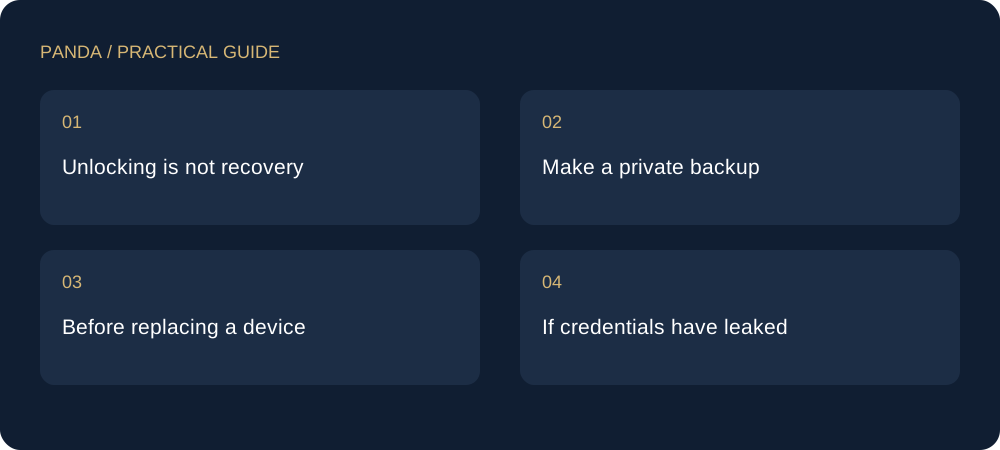
Unlocking is not recovery
An app password normally unlocks a local installation. A recovery phrase or private key may restore signing control. Losing one is different from losing the other; support cannot reconstruct a key you never saved.
Make a private backup
Record recovery information accurately and in order, away from cameras and other people. Protect it against loss and unauthorised access. Never enter it in a support form, search advert or supposed synchronisation service.
Before replacing a device
Identify the actual recovery method used by your wallet. Use software from a verified source. Do not uninstall your only accessible wallet merely to test recovery, or use your whole balance for a first trial.
If credentials have leaked
Stop sending assets to the affected address. Establish fresh credentials on a trusted device. Revoking an approval does not repair a compromised private key. Keep transaction hashes and times if you need to report an incident.
This is an independently written practical guide. Product availability, network support and exchange terms can change. Verify the relevant product screen before acting; examples are not live quotes.